
What the original launcher does for touch devices
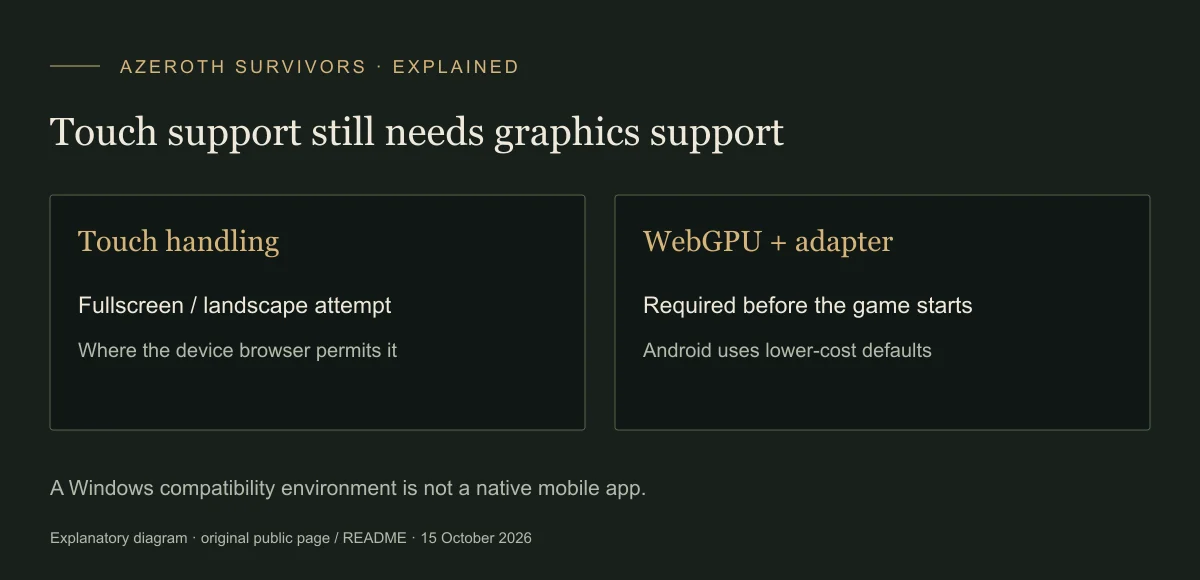
On a coarse pointer, the page suppresses the long-press context menu and tries to enter fullscreen and lock landscape after a tap where those APIs are available. Its code also handles missing element-fullscreen APIs so they do not abort startup.
These are implementation behaviours, not proof that a given iPhone, iPad or Android GPU can run the game. Use the controls and layout your device actually presents; the desktop shortcuts are not a verified touch-control map.
Keep Android’s lower-cost defaults
The launcher normally disables pipeline prewarming on Android and uses a lighter PBR rendering path without Bevy’s lights and shadows. Its comments tie these changes to a shader-compiler crash observed on an Adreno 840.
The source documents overrides that restore those heavier paths, but they are not general performance fixes. This guide recommends starting with the original default URL rather than enabling the work the launcher deliberately avoids.
Separate working reports from support guarantees
The original announcement comments include a report of mobile-browser success and reports of failures on devices including Pixel 9 Fold and Samsung S24+. An iPad report describes running with stutter. These are individual reports with incomplete browser/build details, not a supported-device list.
The inspected original download directory has no native Android or iOS-labelled package. Windows-on-Android reports using Winlator or Droid Deck concern compatibility environments, not a native mobile release. Their settings and limits should not be transferred to the browser.
If startup or rendering fails
Use the shared startup guide to distinguish missing WebGPU, a missing adapter, HTTP 429 and device loss. For phone shader/device-loss errors, the launcher recommends reloading and keeps a report for the next console session; repeated failure is not evidence that a file is corrupt.
A working session can use the original Saves export/import path to carry progress to another browser or computer. Keep a copy before switching routes. If you instead choose the Windows archive, it requires an appropriate Windows environment.
Visual reference
Sources & scope
Sources checked 15 October 2026. Menu observations are from the original browser build V0.90.0; dated recordings retain their own scope. This guide does not claim a completed gameplay test.
- Original browser launcherPublic startup code: graphics checks, device-loss messages and phone defaults.
- Original announcement and device commentsMixed community device reports; no universal compatibility claim.
- Mobile community discussionWindows compatibility-environment reports kept separate from browser support.
- Original directoryInspected package labels, not a claim about all future releases.