
Use the link from the original project
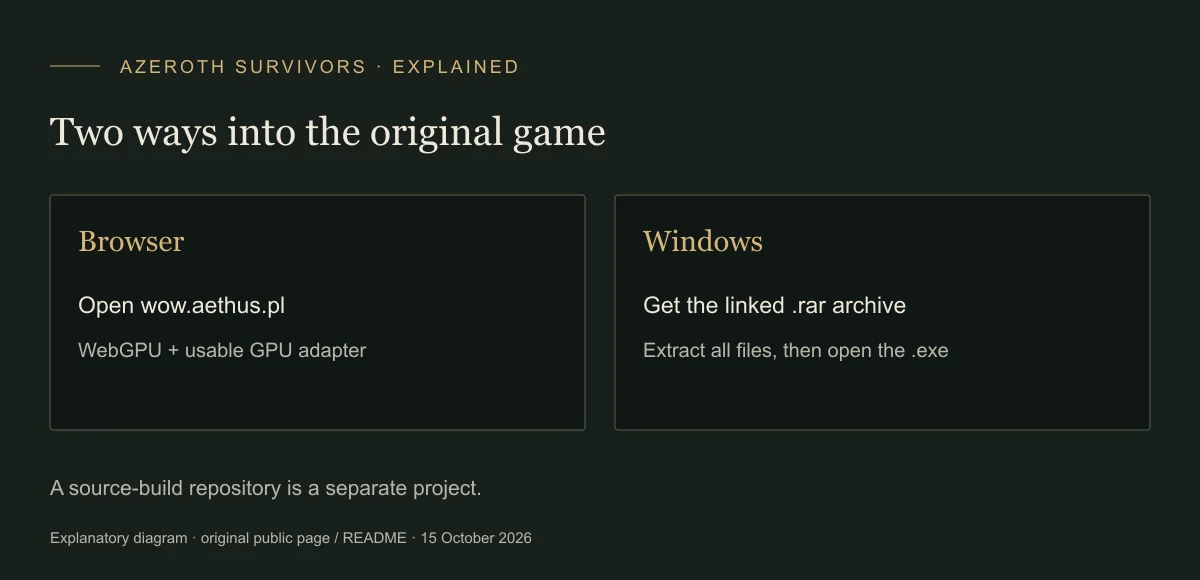
Download the developer-linked Windows archive, or open the original game page and use its Download game button. The page points to a third-party file host; the connection to the original is the link on the game page itself.
The directory also contains an older Windows archive, a Linux archive and a WEB archive labelled 0.81.0. Those filenames do not identify the version running in your browser. On this check, the browser menu displayed V0.90.0.
Looking for macOS? Read the Mac access options before choosing a Windows file.
Extract first, then launch
A narrated Windows walkthrough describes unpacking the folder before starting the executable. Keep the extracted supporting files together; opening the program directly inside an archive is not the described launch route.
- Get the original-linked archive
Use the Windows download linked by wow.aethus.pl. Save the .rar archive to a folder you can find.
- Extract the archive
Use an archive utility that supports RAR and extract the complete archive into a new folder.
- Open the extracted executable
Open AzerothSurvivors.exe inside that folder. A successful launch reaches the class and zone selection screen. If it fails, retain the exact error rather than replacing individual files from a different build.
Keep the original and rebuilds separate
Whiter reported receiving updates in the Windows build on 14 October. That observation does not identify the version inside every archived package or guarantee an updater will work on a particular machine.
The OutThisLife GitHub repository is a separate reconstruction with its own build process. Its Rust toolchain and client-data download are not prerequisites for the Windows archive linked by Aethus.
Before switching packages or devices, export a copy of your progress. If the browser cannot start, use the error-specific checks.
If Windows shows a warning
The supplied recordings mention publisher or security warnings, but a creator’s scan of one file does not establish the safety of a later archive. Check the source and the exact alert before deciding whether to run it. This guide does not recommend disabling protection or treating an unsigned file as automatically safe.
Visual reference
Sources & scope
Sources checked 15 October 2026. Original Aethus project · Windows link checked 15 October 2026 · No executable was downloaded or security-tested here. Menu inspection and recorded runs are identified below.
- Original game — V0.90.0 menusDirect menu inspection on 15 October 2026; screenshots are from this site, not the reconstruction.
- Whiter — Paladin showcase14 October 2026; Protection/Holy Shield example and the distinction between run upgrades and class progression.
- Original download directoryObserved filenames and dates; package contents and executable safety were not tested.