
Choose your symptom before changing anything
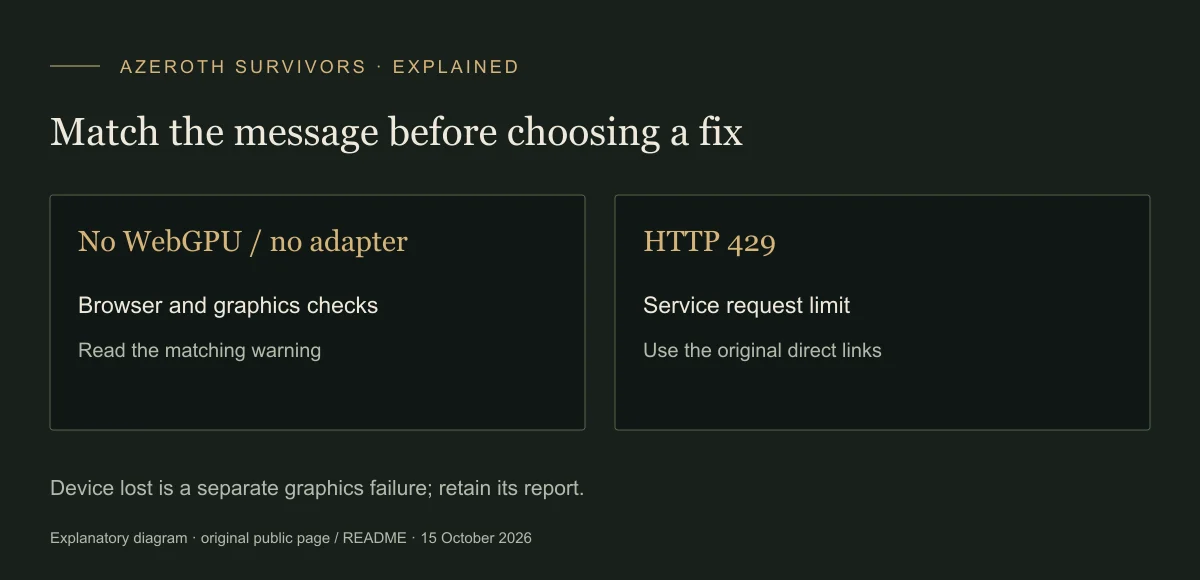
Match the text below to the message on the original game page. If none matches, preserve the complete error and browser/device details for the project community rather than repeatedly reinstalling or clearing progress.
| Message / symptom | Meaning | Next check |
|---|---|---|
| This browser has no WebGPU | The browser does not expose navigator.gpu | Current browser / WebGPU branch below |
| WebGPU found no usable graphics card | No adapter was returned | Graphics acceleration and adapter branch |
| HTTP 429 / Too many people are playing | The service request limit was hit | Service-limit branch |
| WebGPU device lost | The graphics device stopped responding | Device-loss branch |
| The game failed to start… (other error) | Generic boot catch with an underlying error | Keep the exact text; do not assume one cause |
On a narrow screen, scroll the table horizontally to read every column.
When the browser has no WebGPU
The launcher stops before booting if WebGPU is absent. It asks for a current Chrome, Edge or Safari. Update or choose an appropriate browser, reopen the original URL and check whether that same warning remains.
For Linux Chrome, the original warning specifically names chrome://flags/#enable-unsafe-webgpu. That is a platform-specific experimental flag; do not apply it as a blanket fix to other browsers or devices.
When WebGPU finds no usable graphics card
The original instructions first address Windows laptops with two GPUs: Windows Settings → System → Display → Graphics → Chrome or Edge → High performance, then restart the browser. They also ask users to enable graphics acceleration and update the graphics driver.
For Chromium browsers, the launcher points to chrome://settings/system or edge://settings/system, with chrome://gpu for the disabled-WebGPU reason. Reopen the game after a relevant change; reaching the class picker shows that startup has moved past the adapter check. It does not by itself prove a complete run will remain stable.
These Windows settings are not a Mac recipe. See the Mac route or phone-specific limits as appropriate.
When the error includes HTTP 429
The launcher treats HTTP 429 as the Worker’s request limit, and displays “Too many people are playing”. This branch does not diagnose a broken graphics driver or damaged save.
The page supplies direct Discord and Windows download links that do not use its busy redirect route. Windows is an alternative if you have a Windows machine; it is not a universal download for phones or Mac.
When the graphics device is lost
The original warning recommends reloading after a device loss. On dual-GPU Windows laptops, recurring losses also lead back to selecting one GPU for the browser and restarting it.
On phones the message describes a graphics-driver crash while preparing a shader. The launcher stores a diagnostic report under rogue.gpuCrash and prints it again in the console on the next load. A report helps describe the failure; its presence does not establish a guaranteed repair.
Keep the underlying boot error
The source comments identify one specific mismatch: cached old JavaScript with a newer WebAssembly build can produce an import error containing “requires a callable”. The launcher uses versioned module URLs to reduce that problem. Reopen the current original URL rather than assembling old and new files from different downloads.
There is no supported universal fix for every parenthesised error. Keep its exact text when seeking help. Back up progress before any destructive storage operation; clearing site data is not a routine step in this guide.
Visual reference
Sources & scope
Sources checked 15 October 2026. Menu observations are from the original browser build V0.90.0; dated recordings retain their own scope. This guide does not claim a completed gameplay test.
- Original browser launcherPublic startup code: graphics checks, device-loss messages and phone defaults.
- Original warning linksDirect Windows and Discord links displayed by the original error page.